What's new at D8A: October 2026
A rebuilt portfolio builder with dataviz templates, a recruiters directory inside the jobs tab, a 1:1 mentoring program, and the September challenge winners. Everything that shipped this month, in one place.
This is the first monthly update. Once a month, we will write down what changed on D8A, why, and what it means for you. September was a busy one: the portfolio builder was rebuilt, the jobs tab got a recruiters directory, a mentoring program opened, and the first monthly challenge season has its winners.
The new portfolio builder
Your portfolio is the thing a recruiter actually opens. So this is where most of the month went.
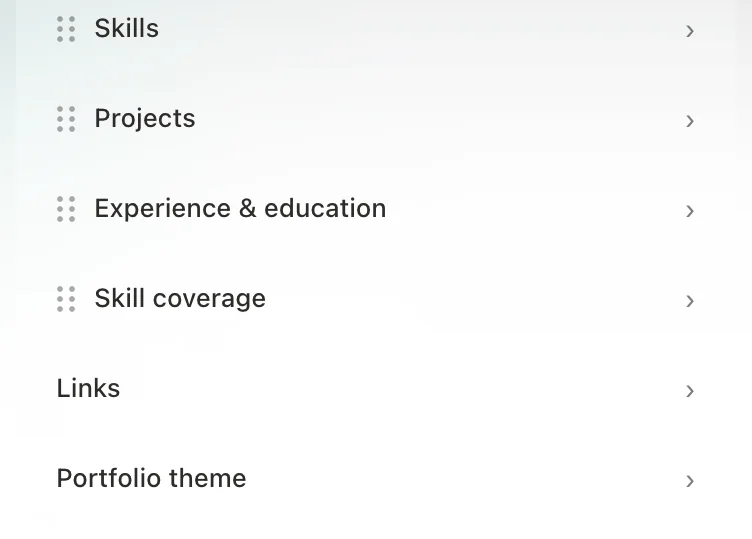
You can now reorder your sections. Overview, Skills, Projects, Experience, Skill coverage: drag any of them by its handle in the editor, and the public page follows. A career changer can put Projects first. Someone with five years of experience can lead with Experience. The order should tell your story, not ours.
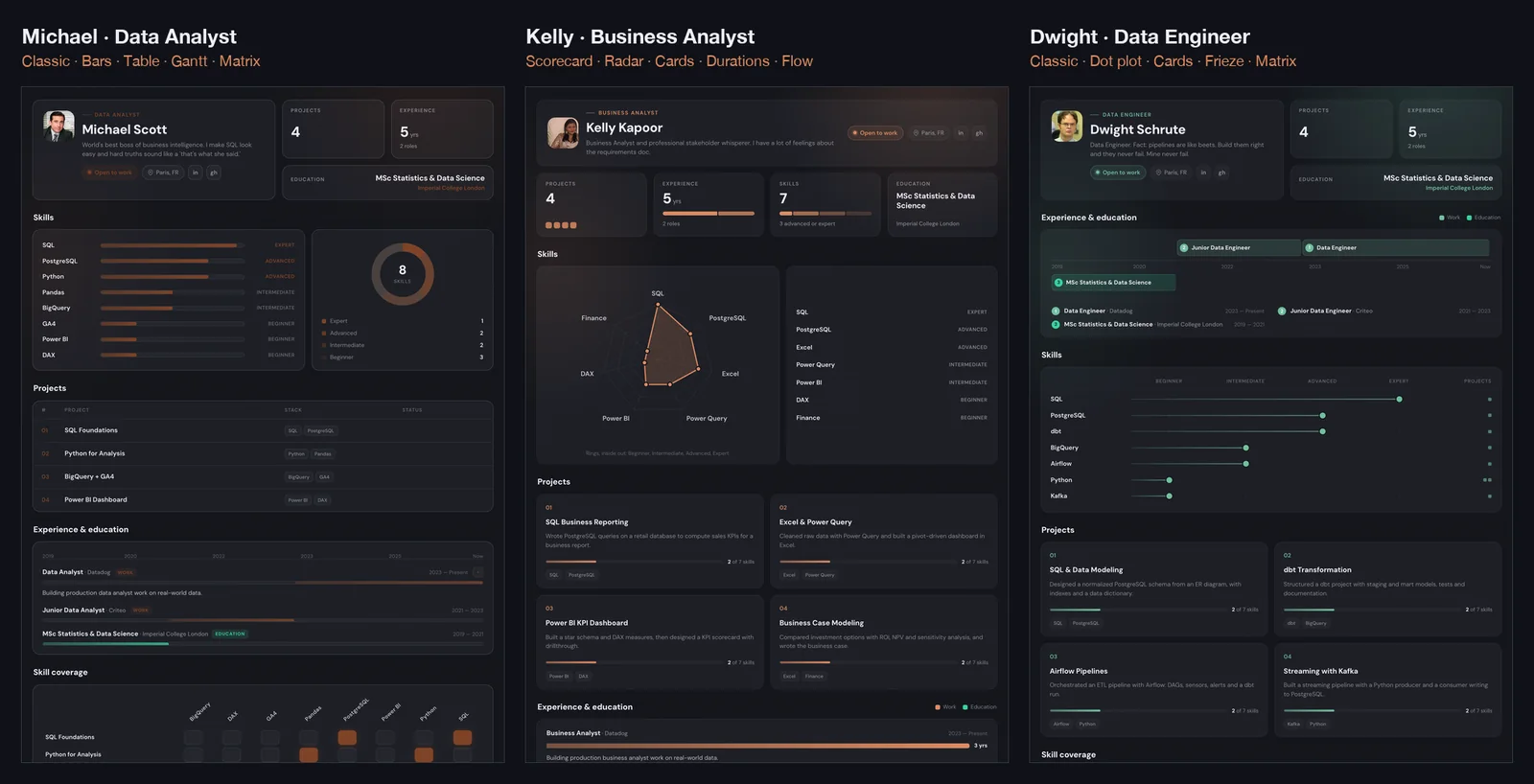
Each section now has three templates, and they are all charts. A portfolio for a data role should look like data work. Skills can be a bar chart, a radar, or a dot plot. Projects can be a table, a card grid, or one featured project with the rest ranked below. Experience can be a timeline, a bar chart of durations, or a frieze. You pick by clicking a thumbnail, and you can change your mind any time.
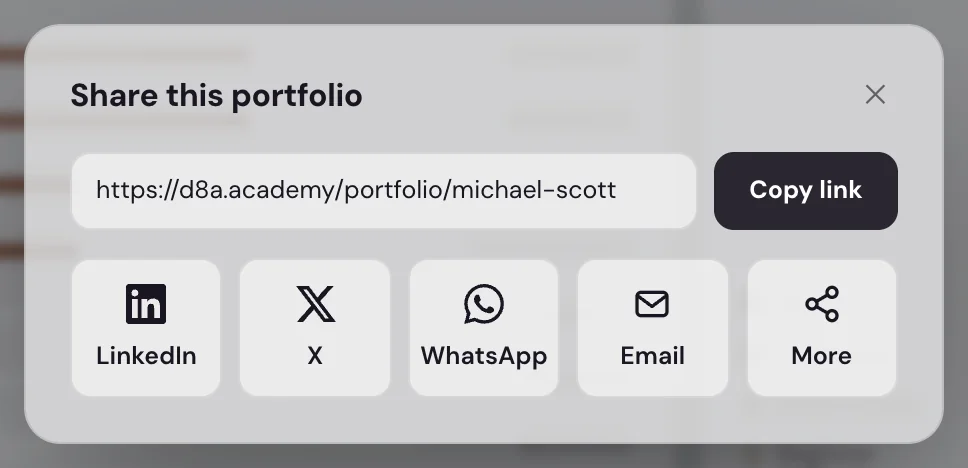
Share and PDF. A share dialog gives you the link, a copy button, and one-click sharing to LinkedIn, X, WhatsApp or email. The PDF download has two versions: the design version, which looks like your page, and a text-only version built for applicant tracking systems. More on when to use which in the dedicated article.
The first template of each section and the reordering are free. The two extra templates per section are part of the Academy Pass.
We wrote a full guide on this: Design portfolio or text CV: which one should you send? It covers section order by profile, template choice, and when the ATS version matters.
A recruiters directory in the jobs tab
The jobs tab already collected offers posted by recruiters on LinkedIn. Behind every validated offer there is a person. The new Recruiters segment lists them.
Each card shows the recruiter's name, headline, the roles they have posted, the countries they hire in, whether they are in-house or an agency, how many offers are open right now, and when they last posted. One click opens their LinkedIn profile. You can search by name, company or role, filter by country and type, and sort by most active or latest post.
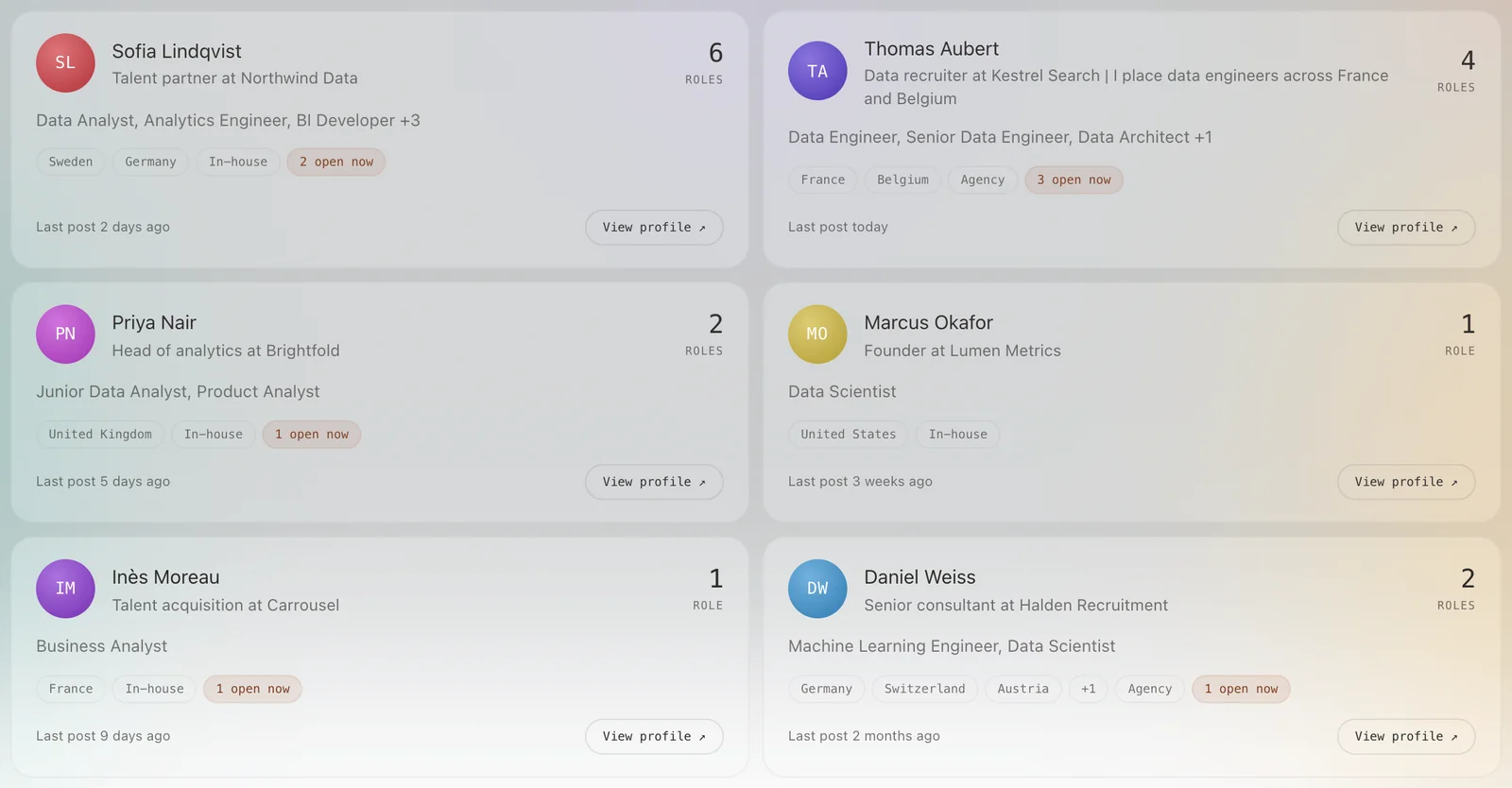
The point is simple. Applying through the Apply button puts you in a pile. A recruiter who already knows your name reads your application first. The directory tells you who to get to know, before you need them.
The directory is for members. The list is built live from validated offers, so it updates as the jobs tab does.
How to build a recruiter network as a data analyst: who to connect with, what to write, and a twenty-minute weekly routine that does not feel like spam.
Mentoring is open
Some people do not need more content. They need someone to look at their situation and tell them what to do next week. That is what the mentoring program is.
It is a weekly 1:1 call with Marius, the founder, plus a direct line on Discord between calls. In the first weeks you get a written plan built on your profile, your projects rebuilt around one target role, and your CV and LinkedIn rewritten for it. Then comes outreach, with a list of named recruiters for your country and role, and mock interviews. The last step is the offer: case studies reviewed before you send them, and salary negotiation with real numbers.
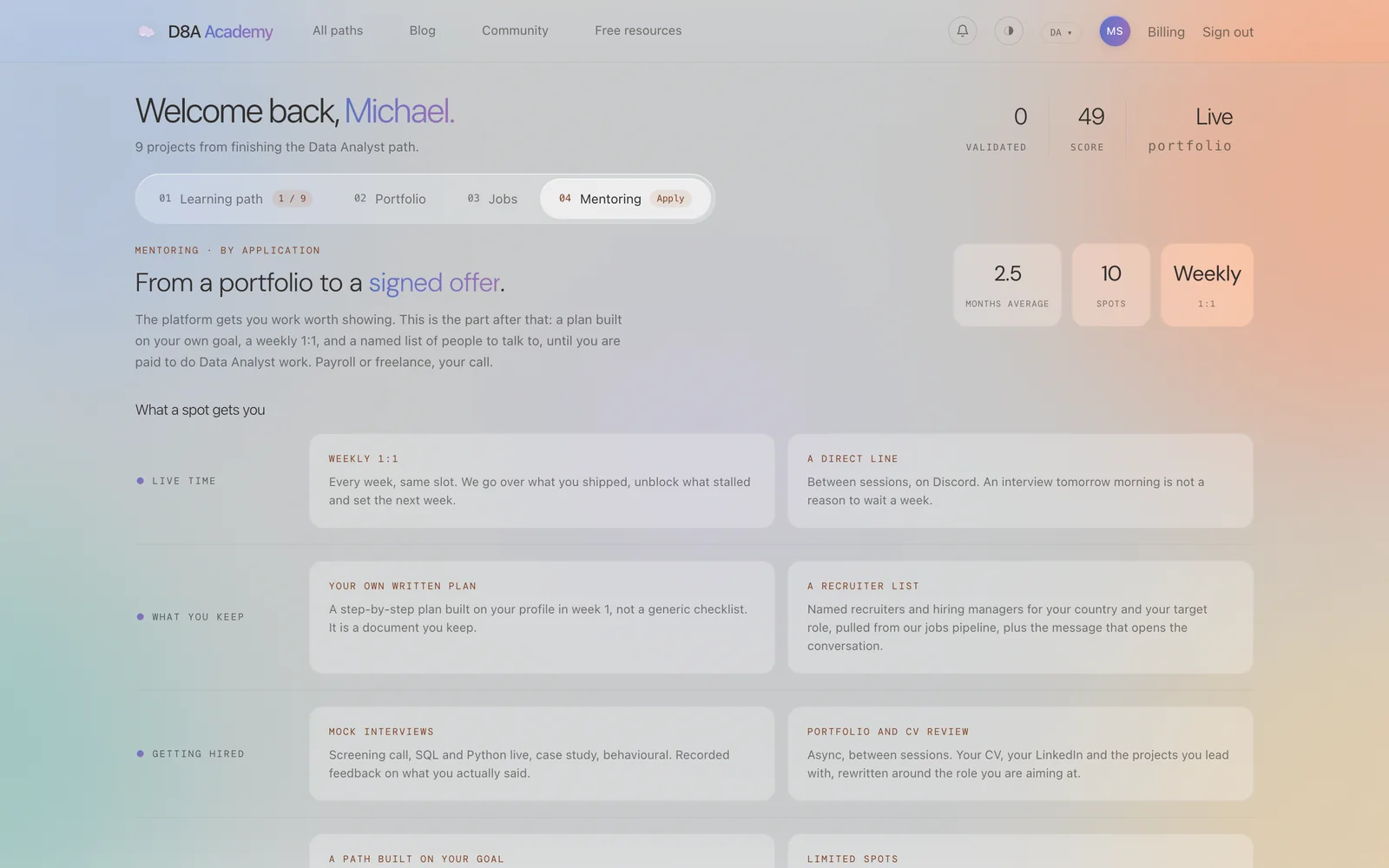
It costs $149 a month for the first five people, then $299. There is no buy button. You fill in a form, we read it, and we answer within two working days. There is no job guarantee either, and we say so on the page.
The D8A mentoring program: weekly 1:1 until you sign explains who it is for, what a month looks like, and what it will not do.
September challenge: the first season winners
The weekly challenge has a monthly season. Every quiz you play in a month adds to your season score, and the top three earn a role in the Discord and the monthly perk.
Here is the September podium:
| Rank | Player | Path | Season score | Quizzes played |
|---|---|---|---|---|
| 1 | Enaleth | Data Engineer | 20 / 24 | 4 |
| 2 | sarelizd | Data Analyst | 11 / 18 | 3 |
| 3 | ericjasare | Data Engineer | 6 / 6 | 1 |
Well done to all three. Notice what won it: Enaleth played every week. Showing up four times beat a perfect single quiz. That is the whole idea of the season.
October's season started on the 1st. This week's challenge takes about two minutes, and you can play without an account.
Smaller things
- Offers in the jobs tab now pick up the company and the country from the post text more often, so the country filter catches more of them. The daily job alert email leads with complete offers and keeps to five rows.
- The notifications popover works properly on mobile.
- If a payment fails, you now get a clear email with a link to fix it instead of silently losing access.
Next month
This update will come out in the first week of every month. If there is something you would like us to build or fix first, say it on Discord. See you in November.