02 · Build your portfolio
Your LinkedIn PDF is already
half a portfolio.
Drop it below, review the fields, publish a live page recruiters can open. Parsed in your browser, about 60 seconds, free.
Join our 1K+ community
Drop your LinkedIn PDF here
or click to browse. Parsed locally, never uploaded.
Choose fileNo PDF yet? On LinkedIn (desktop): your profile → More → Save to PDFNo PDF on hand? You do not need it. The import is just a head start: your portfolio fills in minutes by hand, phone included.
Create my portfolio →Import it. Done.
Headline, experience, education, skills, all read from the PDF. You check each field, nothing is saved until you say so.
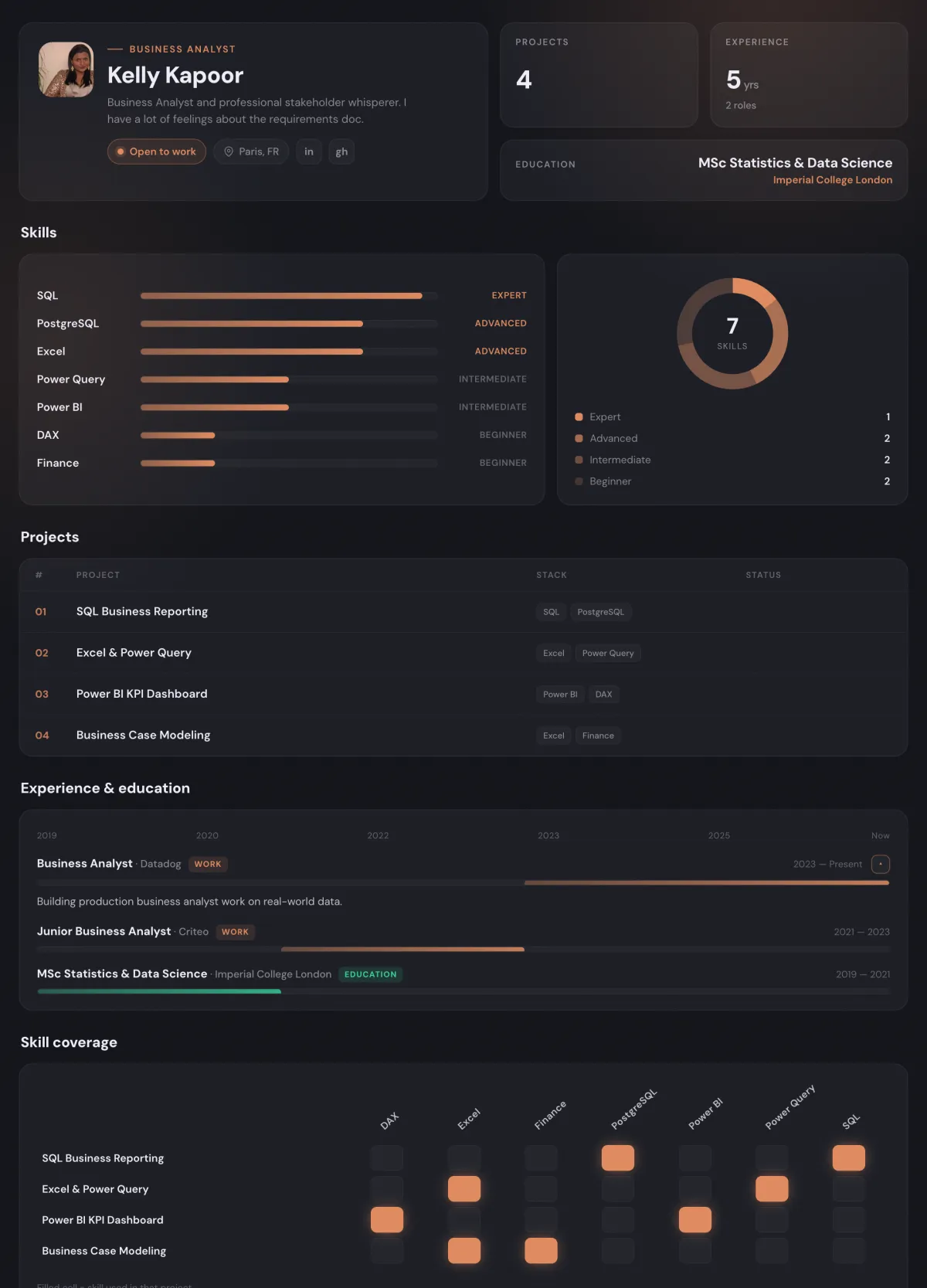
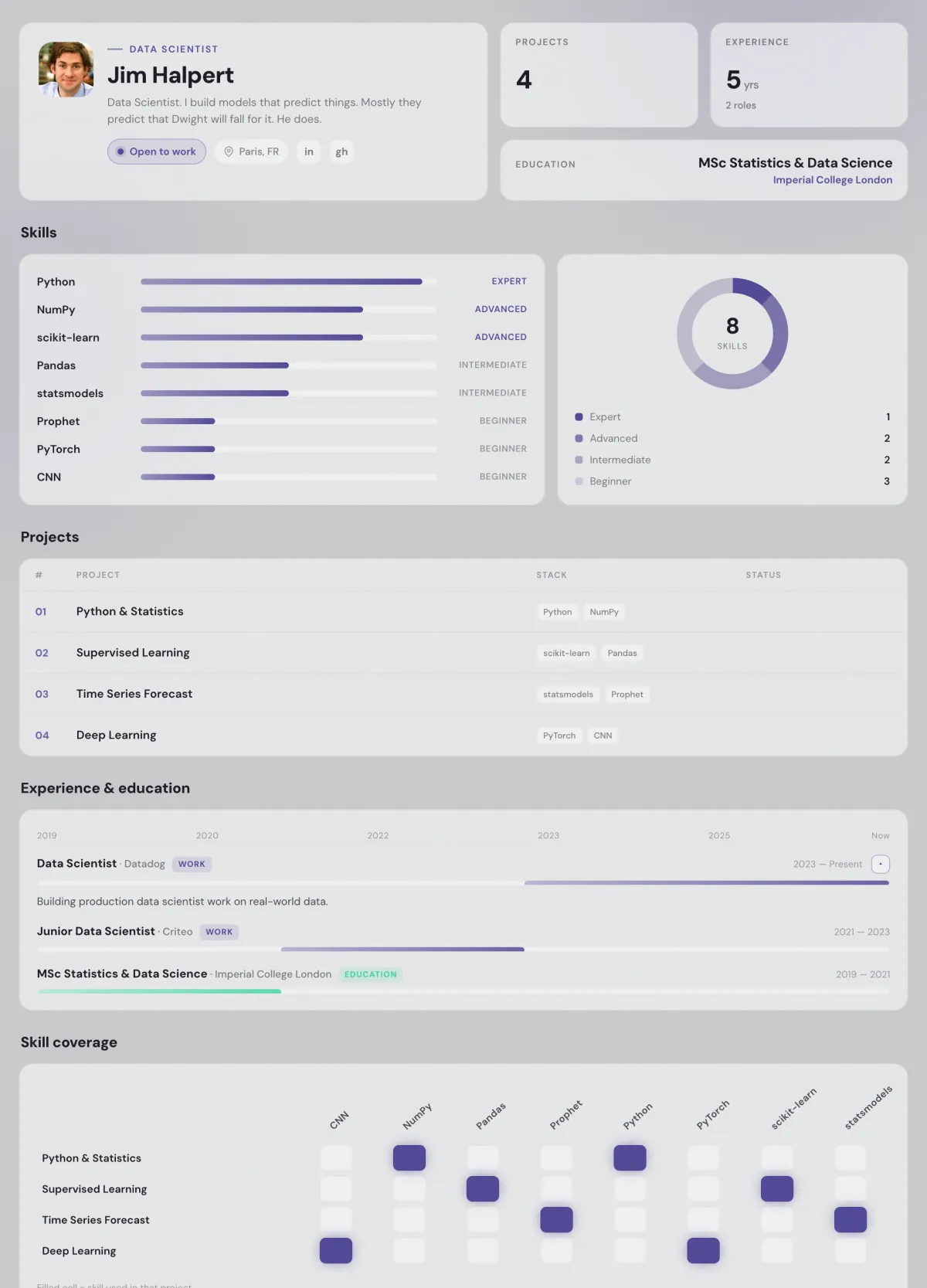
Looks finished on day one.
One layout that already works, four looks, dark and light. Your photo, your accent, your URL. No design decisions to make.
Grows with every project.
Projects you pass on D8A publish themselves. Work you did elsewhere goes next to them with a Personal badge. Same page, same link.
Students
What students say.
“Honestly my favorite tool for building a portfolio. I dropped my LinkedIn PDF and had a live page the same afternoon.”
“I used to send a CV and hear nothing. Now I send my portfolio link and recruiters actually respond to it. The feedback is a completely different level than with my CV alone.”
“The design really catches the eye. Recruiters open a clean page with my projects on it instead of an attachment, and it instantly looks more professional.”
Examples
So, what will yours look like?
Four paths, four live pages. Yours starts from your LinkedIn and grows with every project you finish.
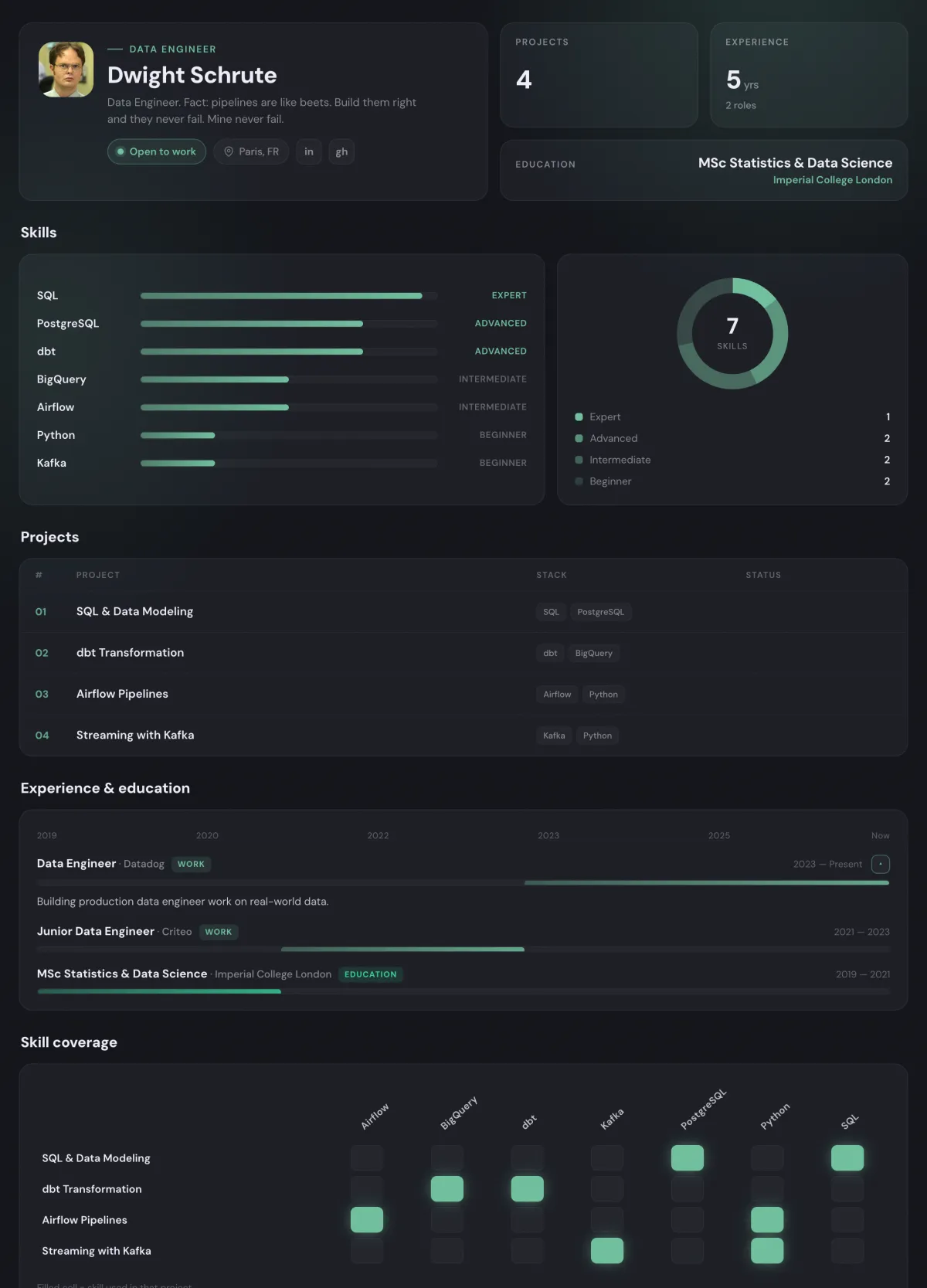
DA pathMichael ScottData Analyst. World's best boss of business intelligence. I make SQL look easy and hard truths sound like a 'that's what she said.'d8a.academy/portfolio/michael-scottBA pathKelly KapoorBusiness Analyst. Business Analyst and professional stakeholder whisperer. I have a lot of feelings about the requirements doc.d8a.academy/portfolio/kelly-kapoorDS pathJim HalpertData Scientist. Data Scientist. I build models that predict things. Mostly they predict that Dwight will fall for it. He does.d8a.academy/portfolio/jim-halpertDE pathDwight SchruteData Engineer. Data Engineer. Fact: pipelines are like beets. Build them right and they never fail. Mine never fail.d8a.academy/portfolio/dwight-schrute
The journey
One account, three steps.
01 · LearnShip guided projects on real data, one at a time.See how →
02 · PortfolioEvery project you pass publishes itself to your page.You are here
03 · JobsApply with proof, to real offers filed by your path.See how →